


Dana XAPK
PT Espay Debit Indonesia Koe
- Version
- 2.149.1
- Size
- 81.9 MB
- Android
- 5.1+
- Category
- Finance
Screenshots
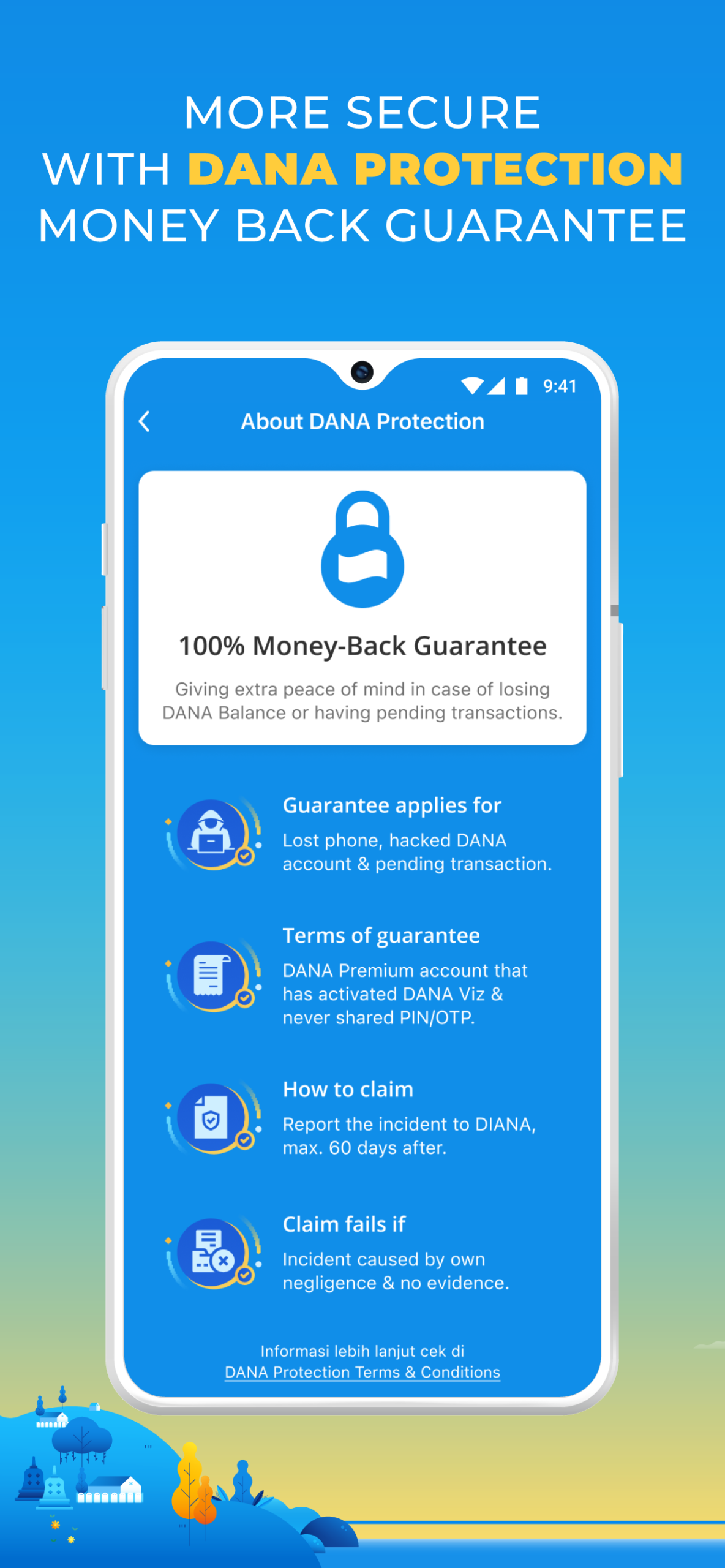
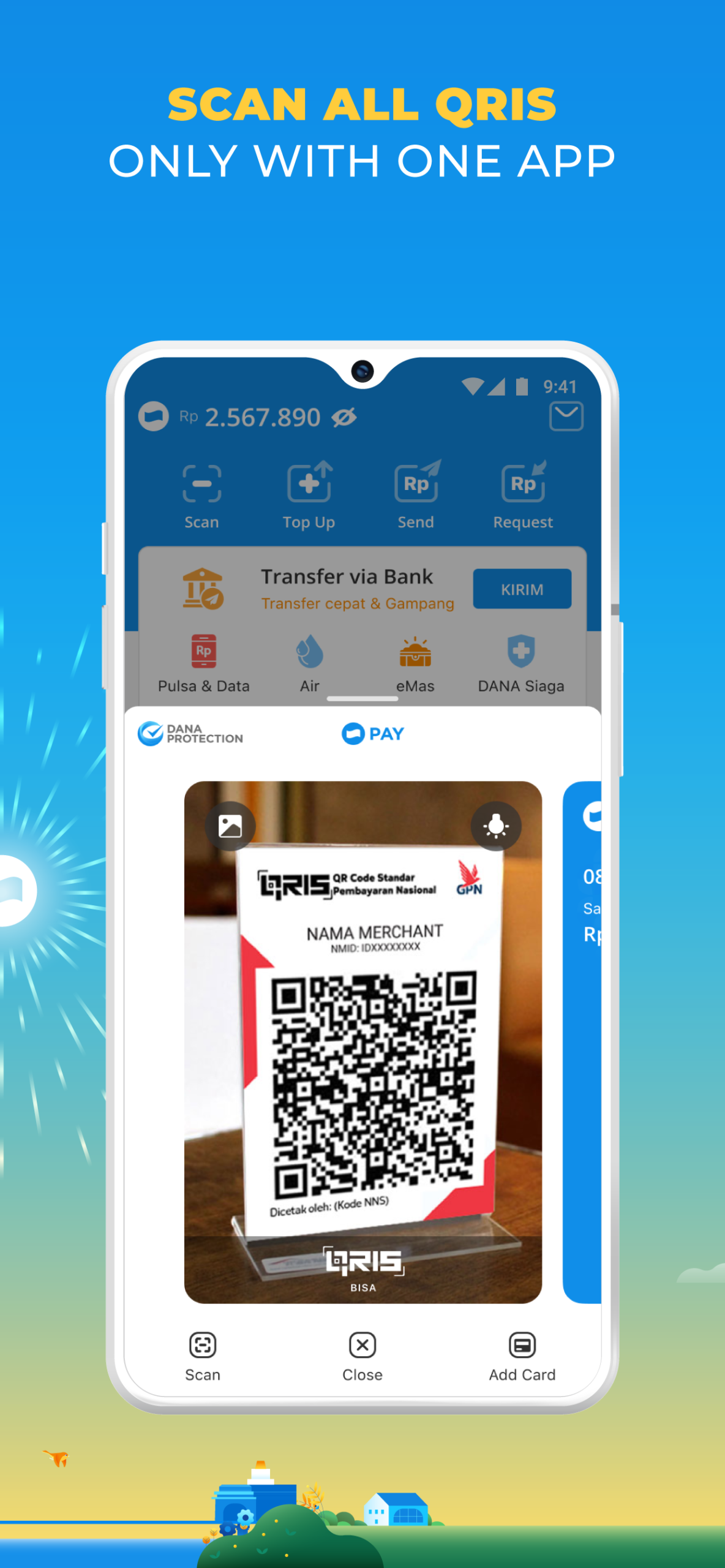
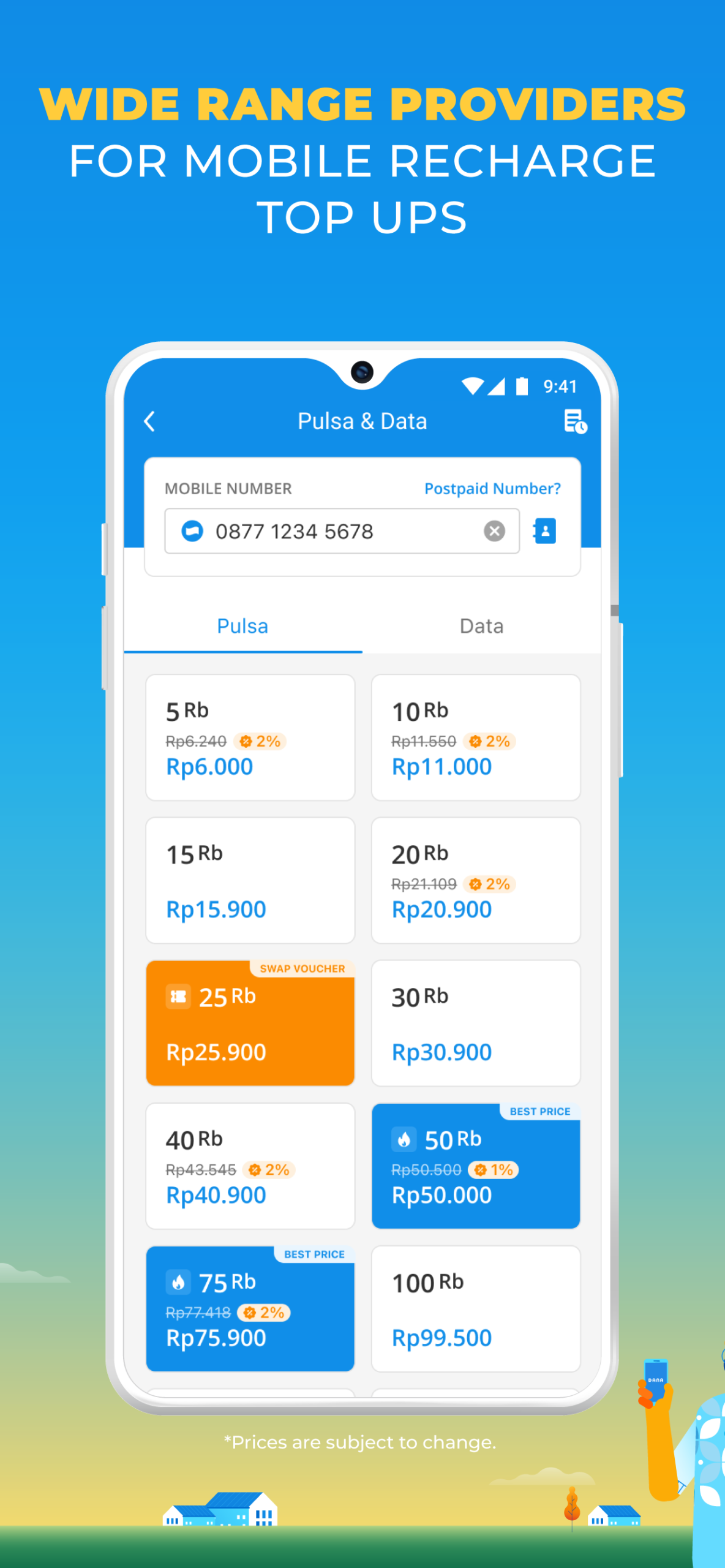
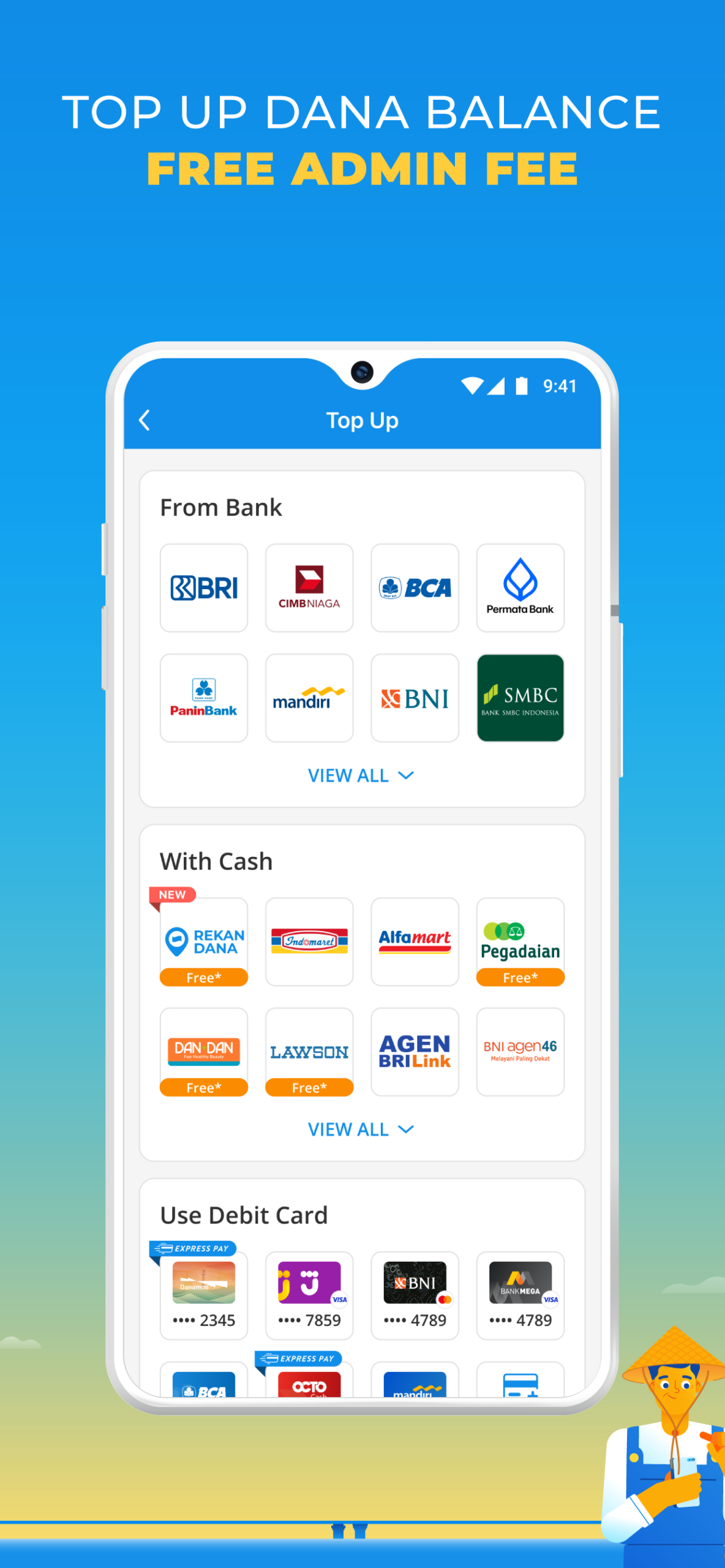
What's new
Version 2.149.1 is the newest build on APKBlade, updated 30 September 2026.
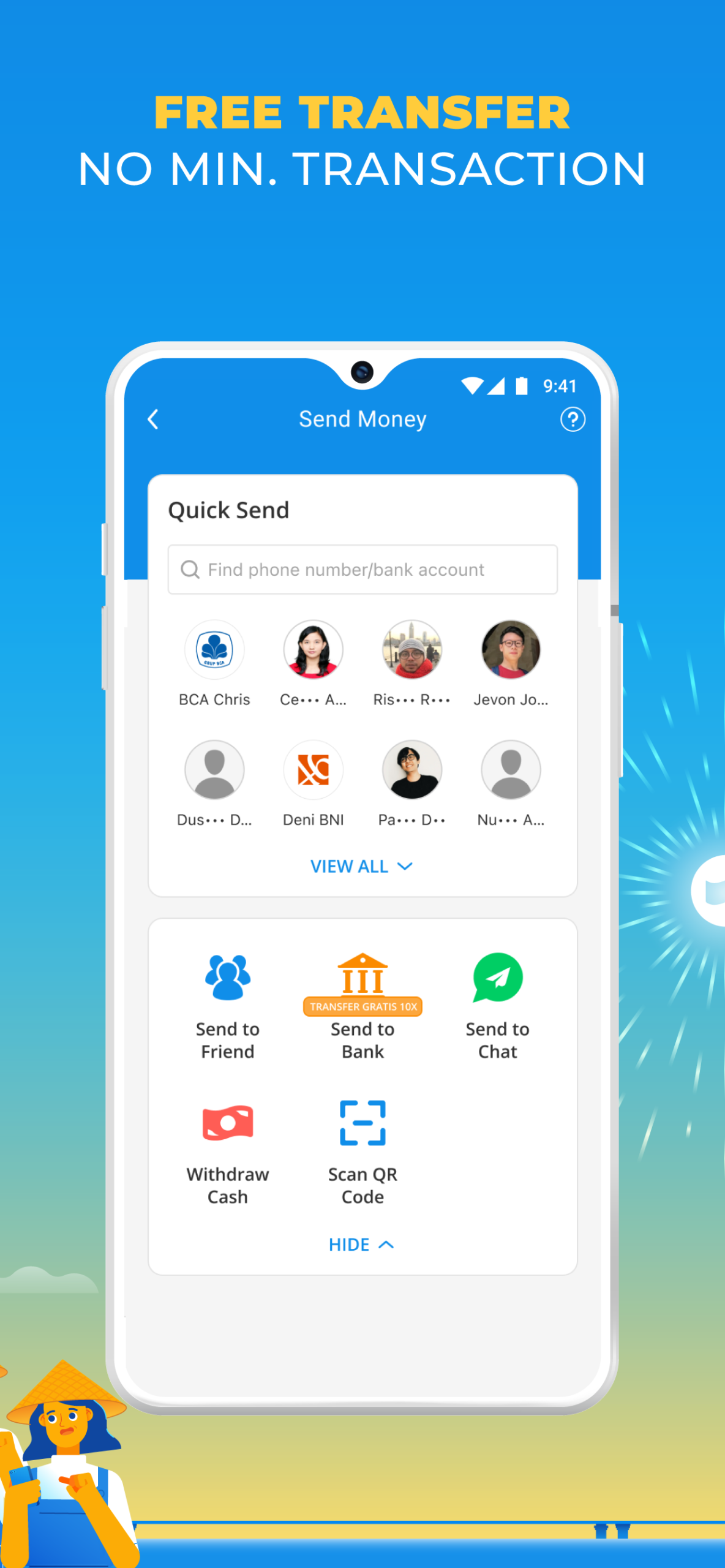
Your go-to digital wallet for seamless, secure cashless transactions in Indonesia.
Discover the World of Dana APK for Android
Welcome to the exciting world of Dana APK for Android! If you’re curious about how to manage your money without using cash or cards, you’re in the right place. Dana is a digital wallet that helps you do just that.
With Dana, you can shop online, pay bills, or even top up your phone’s credit, all from the comfort of your smartphone. Let’s dive into what makes Dana APK so special and how you can start using it today.
What is Dana APK?
Dana APK is an app that turns your phone into a digital wallet. Imagine having a wallet that never runs out of space and is always there when you need it. That’s what Dana does! It’s designed to make your life easier by allowing you to make payments without cash or cards. Whether you’re buying something online or paying for a meal at a restaurant, Dana has got you covered. It’s like having a magic wallet that works everywhere!
Features of Dana APK
Dana APK comes loaded with features that make handling money super easy and fun. Here are some of the cool things you can do with Dana:
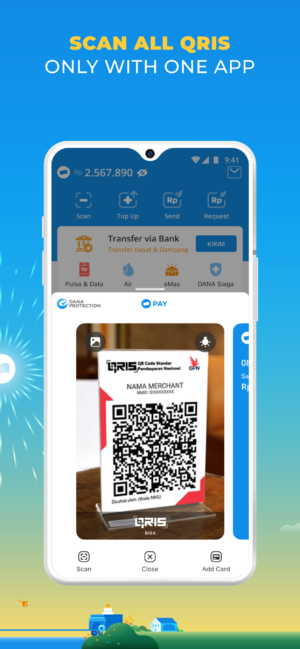
- Cashless Transactions: Pay for things without using cash or cards. Just use your phone!
- Bill Payments: Pay your electricity, water, and other bills directly from the app.
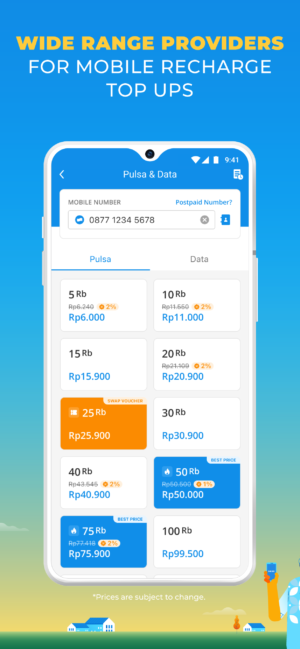
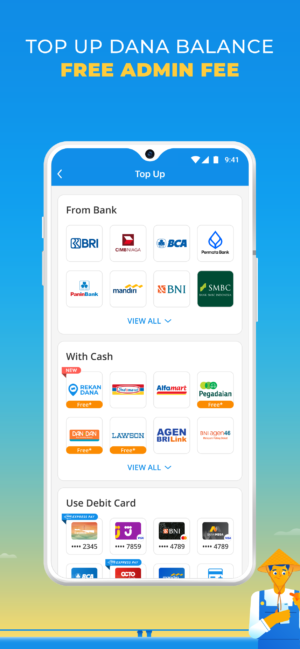
- Mobile Top-Up: Add credit to your phone in just a few taps.
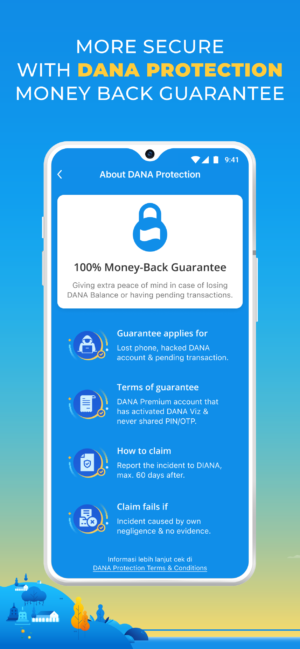
- Secure and Safe: Your money and details are protected with top-notch security.
- Track Spending: Keep an eye on where your money goes and manage your budget.
These features make Dana APK a powerful tool for anyone looking to simplify their financial life.
How to Download Dana APK for Android
Getting Dana APK on your Android phone is a breeze. Follow these simple steps to download and install the app:
- Download the APK File: Click the download button provided at the top to download the latest version of Dana APK.
- Enable Unknown Sources: Go to your phone’s settings, find the security section, and enable “Unknown Sources” to allow the installation of apps from sources other than the Google Play Store.
- Install the APK: Open the downloaded file and follow the instructions to install Dana on your phone.
- Set Up Your Account: Once installed, open the app and sign up for a new account or log in if you already have one.
- Start Using Dana: You’re all set! Explore the app and start making cashless transactions.
Benefits of Using Dana APK
Using Dana APK comes with a lot of benefits that make it a must-have app for anyone with a smartphone. Here are some reasons why you should consider using Dana:
- Convenience: No need to carry cash or cards. Your phone is all you need!
- Time-Saving: Pay bills and shop online without leaving your home.
- Budget Management: Track your expenses and stay on top of your finances.
- Secure Transactions: Dana uses advanced security measures to protect your money and personal information.
- Wide Acceptance: Use Dana at a variety of stores and services across Indonesia.
These benefits make Dana APK not just an app, but a lifestyle choice for modern living.
Tips for Using Dana APK Effectively
To get the most out of Dana APK, here are some tips that can help you use the app more effectively:
- Regularly Check Your Balance: Always know how much money you have in your digital wallet.
- Set Budget Goals: Use Dana’s spending tracker to set and meet budget goals.
- Update the App: Keep your app updated to enjoy the latest features and security updates.
- Explore Promotions: Look out for special offers and discounts available through the app.
- Secure Your Account: Use a strong password and enable two-factor authentication for added security.
Following these tips will ensure that you have a smooth and secure experience with Dana APK.
Troubleshooting Common Issues
While Dana APK is designed to be user-friendly, you might run into some issues. Here are some common problems and how to fix them:
- Installation Issues: Make sure “Unknown Sources” is enabled in your phone’s settings.
- Login Problems: Double-check your username and password. Reset your password if needed.
- Transaction Errors: Ensure you have a stable internet connection and sufficient balance.
- App Crashes: Restart your phone and try opening the app again. If the problem persists, reinstall the app.
These solutions should help you resolve any issues and get back to using Dana APK without a hitch.
Conclusion
Dana APK for Android is a fantastic tool for anyone looking to embrace a cashless lifestyle. With its easy-to-use interface and powerful features, managing your money has never been easier.
From paying bills to shopping online, Dana lets you do it all with just a few taps on your phone. Download the app today and experience the convenience of a digital wallet at your fingertips. Happy transacting!
More About Dana
| Name | Dana |
|---|---|
| Package Name | id.dana |
| Category | Finance |
| Version | 2.149.1 |
| Size | 81.9 MB |
| Requires Android | 5.1 and up |
| Developer | PT Espay Debit Indonesia Koe |
| Last Updated | 30 September 2026 |
How to Install Dana
- Tap the download button and let the file finish.
- Open the file from your notifications or the Downloads folder.
- If Android asks, allow your browser to install unknown apps.
- Tap Install, then open the app.
This download is a XAPK file. Follow the XAPK install guide.
FAQ'S
How to install Dana .xapk?
Simply download this XAPK Installer from Play store - Download. Open the XAPK Installer app & follow on screen instructions to install the XAPK.
I am getting Play Protect warning while installing!
Some mod APK files might get a warning. You can ignore this warning and install the APK file. Follow these simple steps to turn off Play Protect: Open Google Play app > Click Profile Icon > Select Play Protect -> Setting > Turn off both "Scan apps with Play Protect" and "Improve harmful app detection" options.
How to update APK without losing the data?
To update APK without losing the data, you don't need to follow anything extra. Click on the downloaded APK file and click the "Install" button. The app will update automatically without loss of data.
How to fix problems while installing/opening?
Make sure you have downloaded the file correctly. The downloaded file extension must end with .apk file. If you face any package install error, redownloading the file may fix the issue.


















Ratings and reviews
There are no reviews yet. Be the first one to write one.